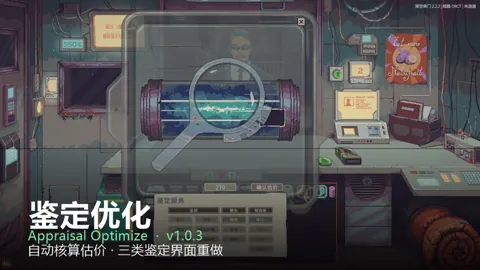
What it does
- Lists item severity and locations; the button changes color and flashes for the author-described inspection conditions.
Install & start using it
- Open the Workshop page and subscribe using the Steam account that owns the game.
- Let Steam finish downloading, enable the mod in the game’s Mods menu, then restart.
- Hover over or click the counter display to read the full list; use its buttons or mod settings to place or hide the screen.
Known limits & compatibility
- Hidden or locked goods are omitted by the author rules. The display does not predict the next inspection time.
Update or remove
Steam manages Workshop updates. To stop using the mod, disable it in Mods and restart; unsubscribe if you no longer want Steam to download it. Follow the author’s save-specific removal notes where provided.
Author & sources
Contraband & Stolen Goods Monitor · Steam Workshop ↗This is an independent directory. The mod belongs to its author. Unspecified versions and dependencies are left unconfirmed.